Control OBS remotely from any device
Manage scenes, sources, live preview, and audio from your phone, tablet, or desktop browser.
What OBS Remote Control helps you do
A remote control app for OBS Studio built for fast scene switching, source control, live preview, and audio management across mobile and desktop devices.
Switch scenes without touching the streaming PC
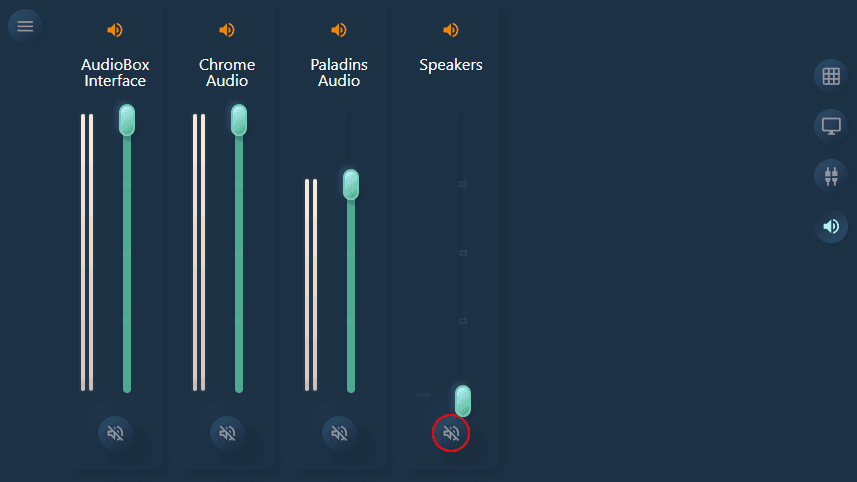
Mute or adjust audio sources during a live show
Monitor the current preview from another device
Control OBS from a phone, tablet, or browser tab
Core features for controlling OBS remotely
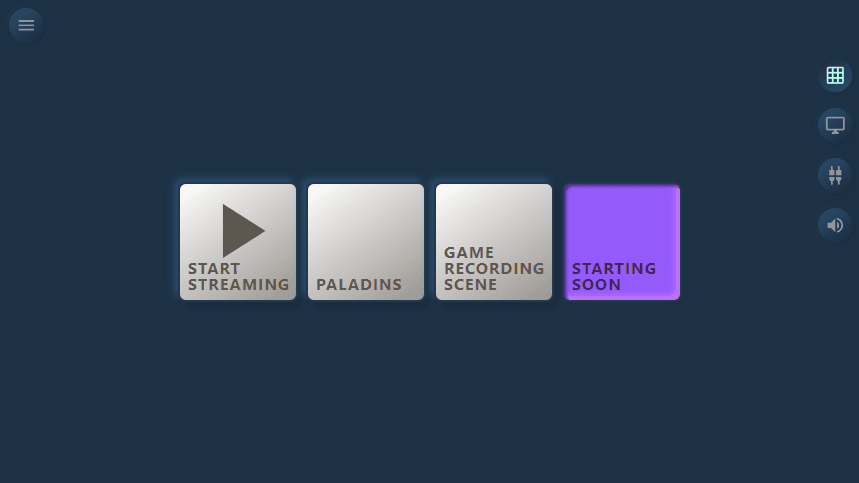
Scene Management
Switch scenes quickly and keep your production moving without returning to the OBS computer.
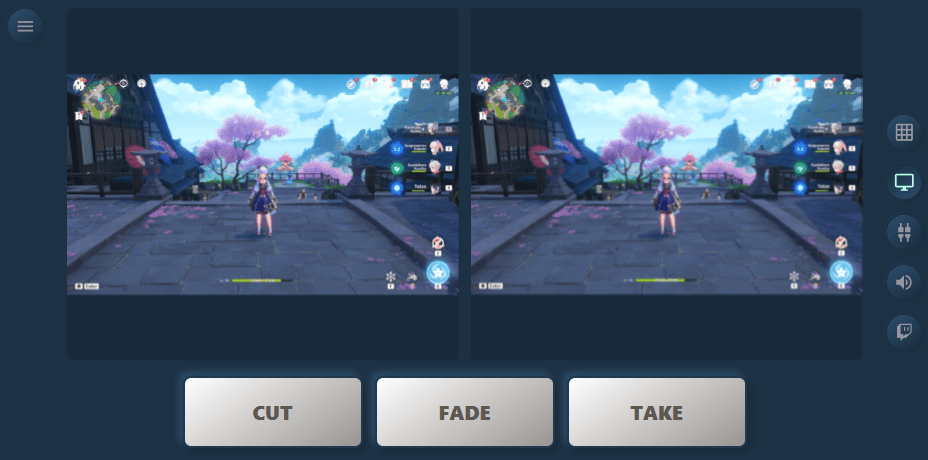
Live Preview
Check the current preview feed from your remote device while staying in position on set or on stage.
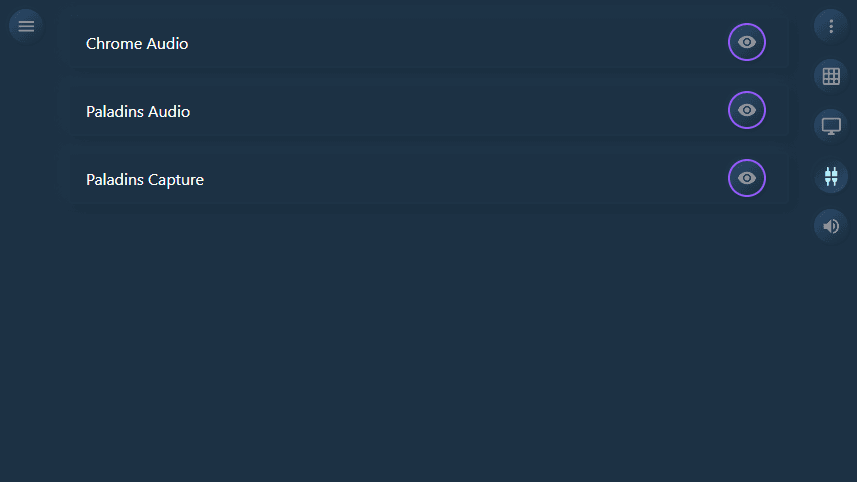
Input Sources
Manage source visibility and source-related controls from a cleaner remote interface.
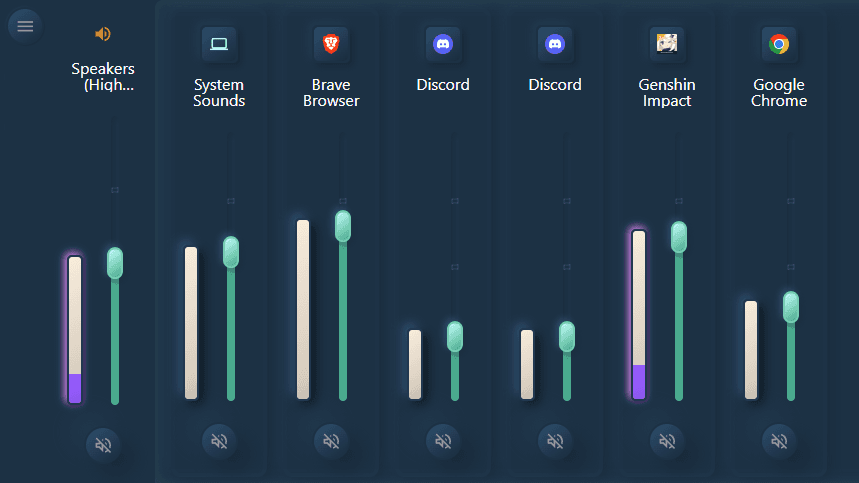
Volume Control
Adjust audio levels remotely so you can react to changing sound conditions during a stream or event.
Upgrade to Pro Features
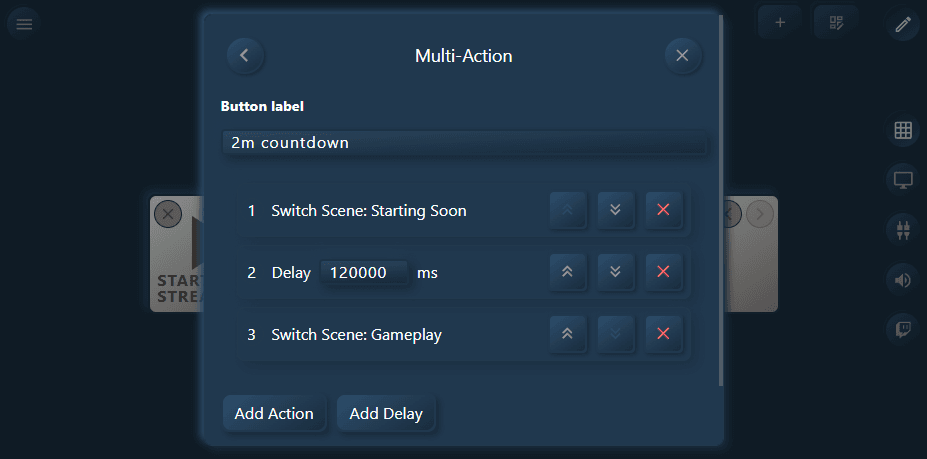
Multi-Action Buttons
Create buttons that perform multiple actions in sequence, allowing for complex scene changes or source adjustments with a single tap.
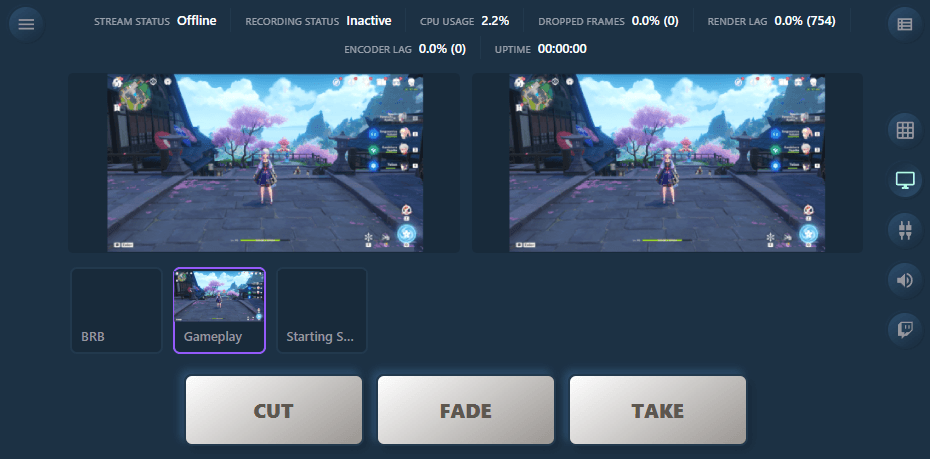
Advanced Monitoring
See your streaming setup in more detail with advanced monitoring features, including multiple preview windows and detailed source information.
How it works
Step 1
Open OBS Remote Control
Launch the Android app or open the browser version on the device you want to use as your controller.
Step 2
Connect it to OBS Studio
Use the app with your OBS setup so your remote device can talk to the streaming machine over your local workflow.
Step 3
Start controlling your stream
Switch scenes, manage sources, review preview output, and adjust volume without leaving your presenter position.
Try it out with our
Volume Mixer for Windows
Our remote control app is designed to work seamlessly with our Volume Mixer app, allowing you to manage your audio settings from anywhere. Experience the convenience of controlling your volume levels remotely and take your audio management to the next level.